
Accountability for every access
A new remote for the all-new Guardcell Remote Access app. Every code the remote carries expires on its own, every gate is left locked, and every code sent is logged automatically.
The New NFC Remote - Simpler, Smarter
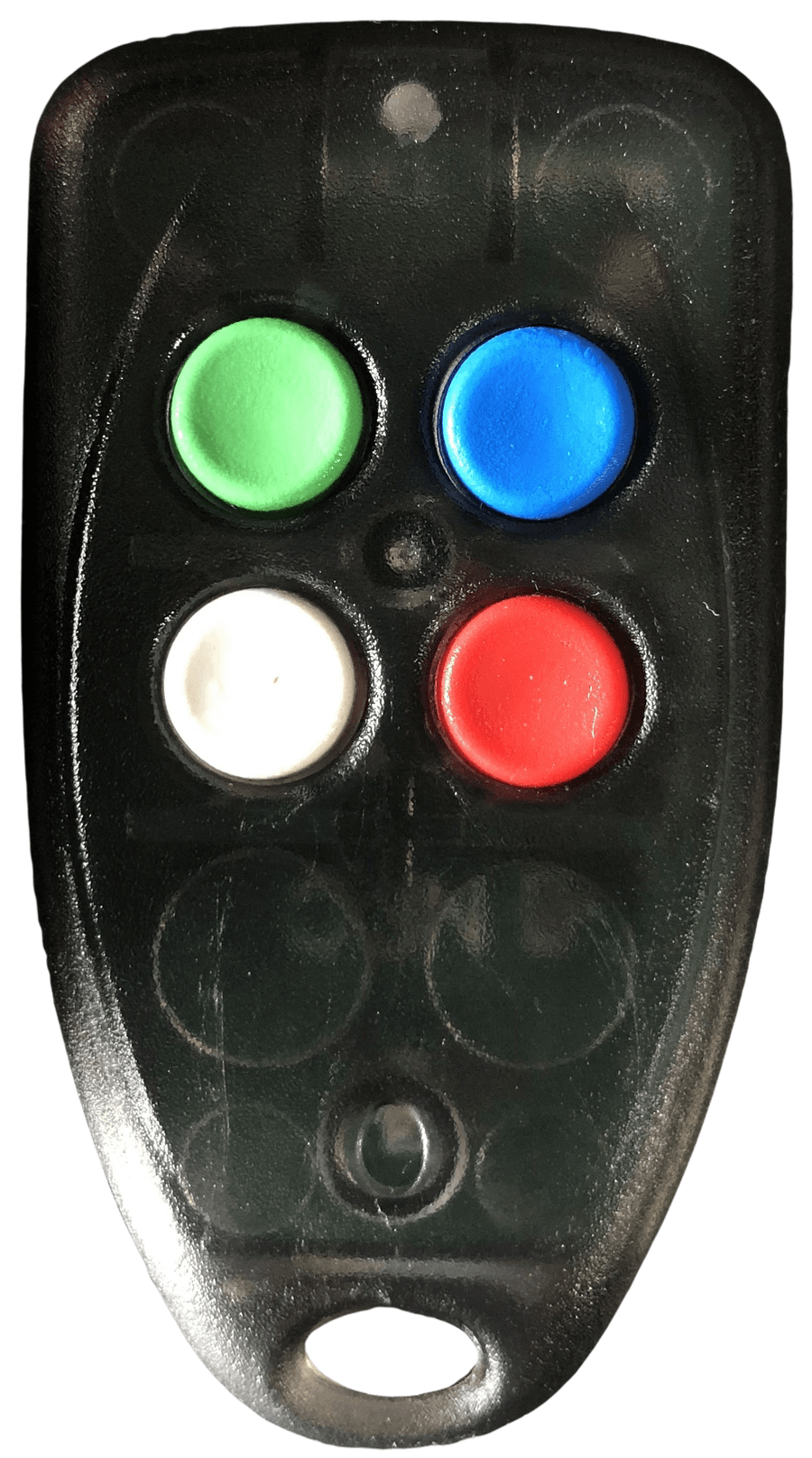
- Open with a code
Carries the access code and makes the first entry. This is what brings the receiver to life.
- Backup access
Once the receiver's active, any officer from the same company can follow in on their green button, no code needed. Every press also keeps the window open a little longer.
- Lock it down
Shuts the receiver to every button and clears the code from the remote, in the same press. Nothing left on either end until a valid code comes in again.
From notification to open gate
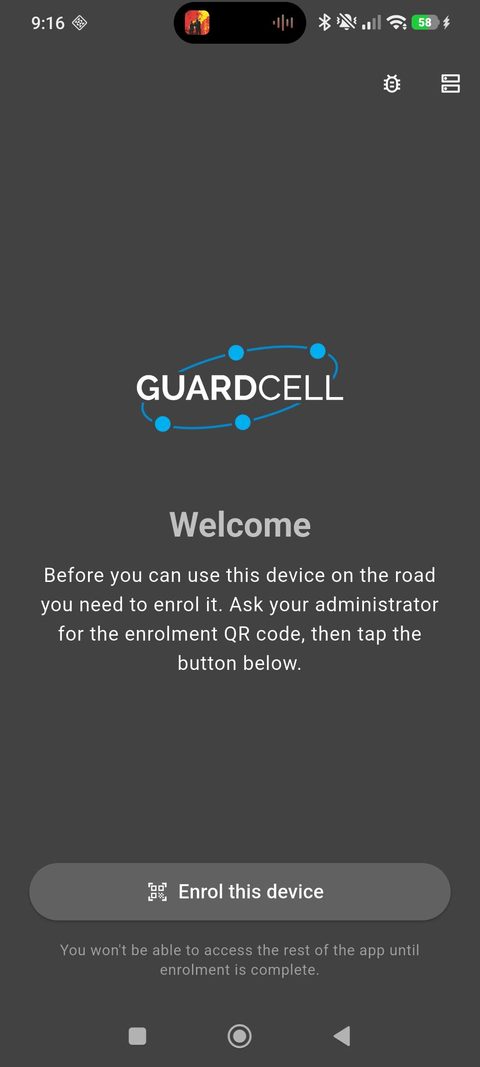
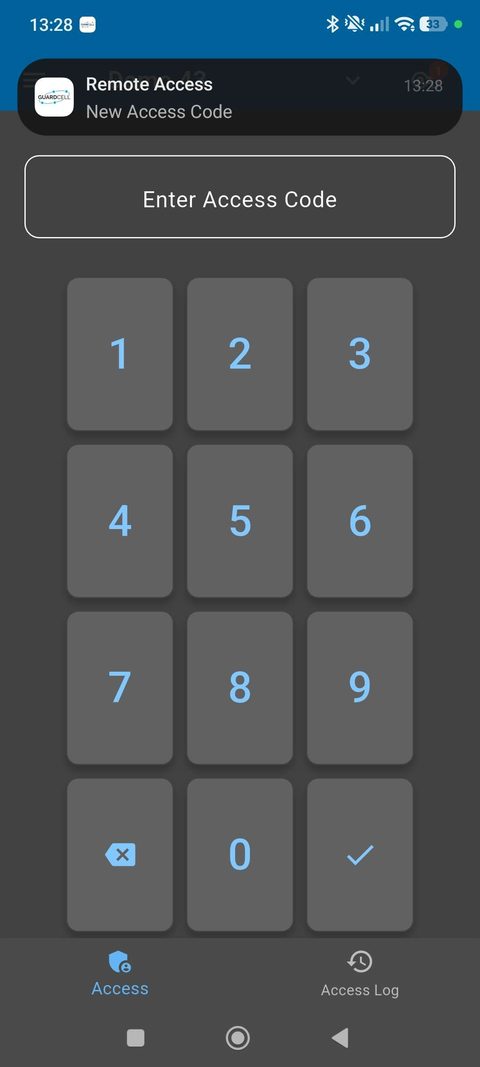
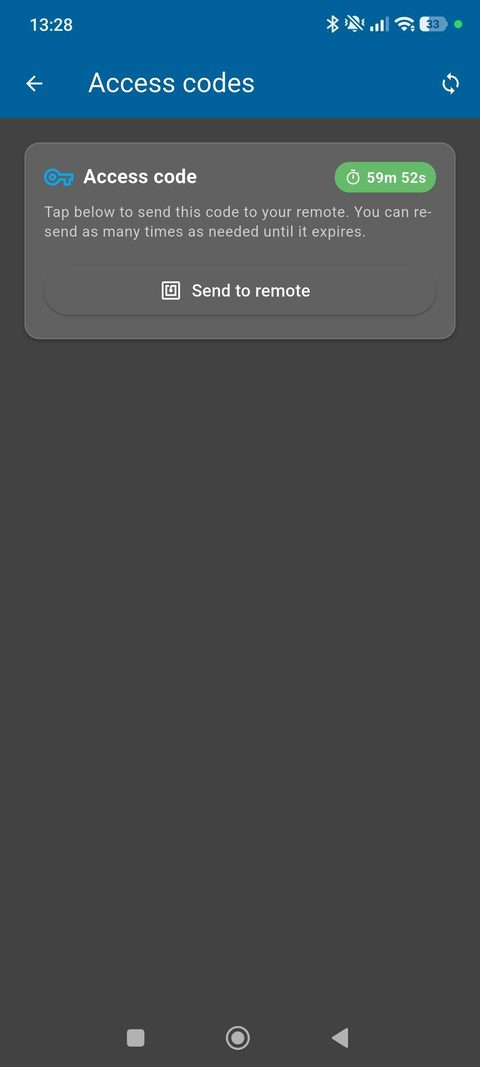
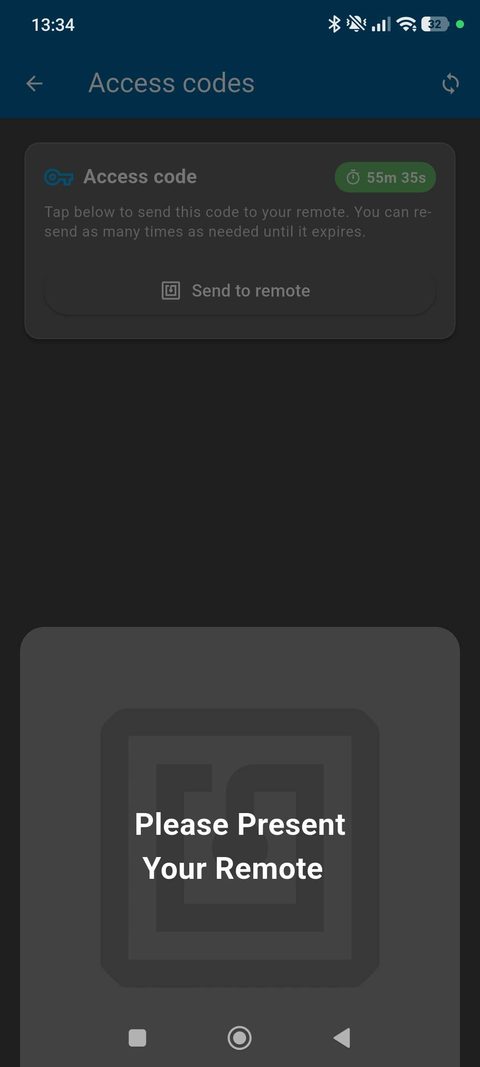
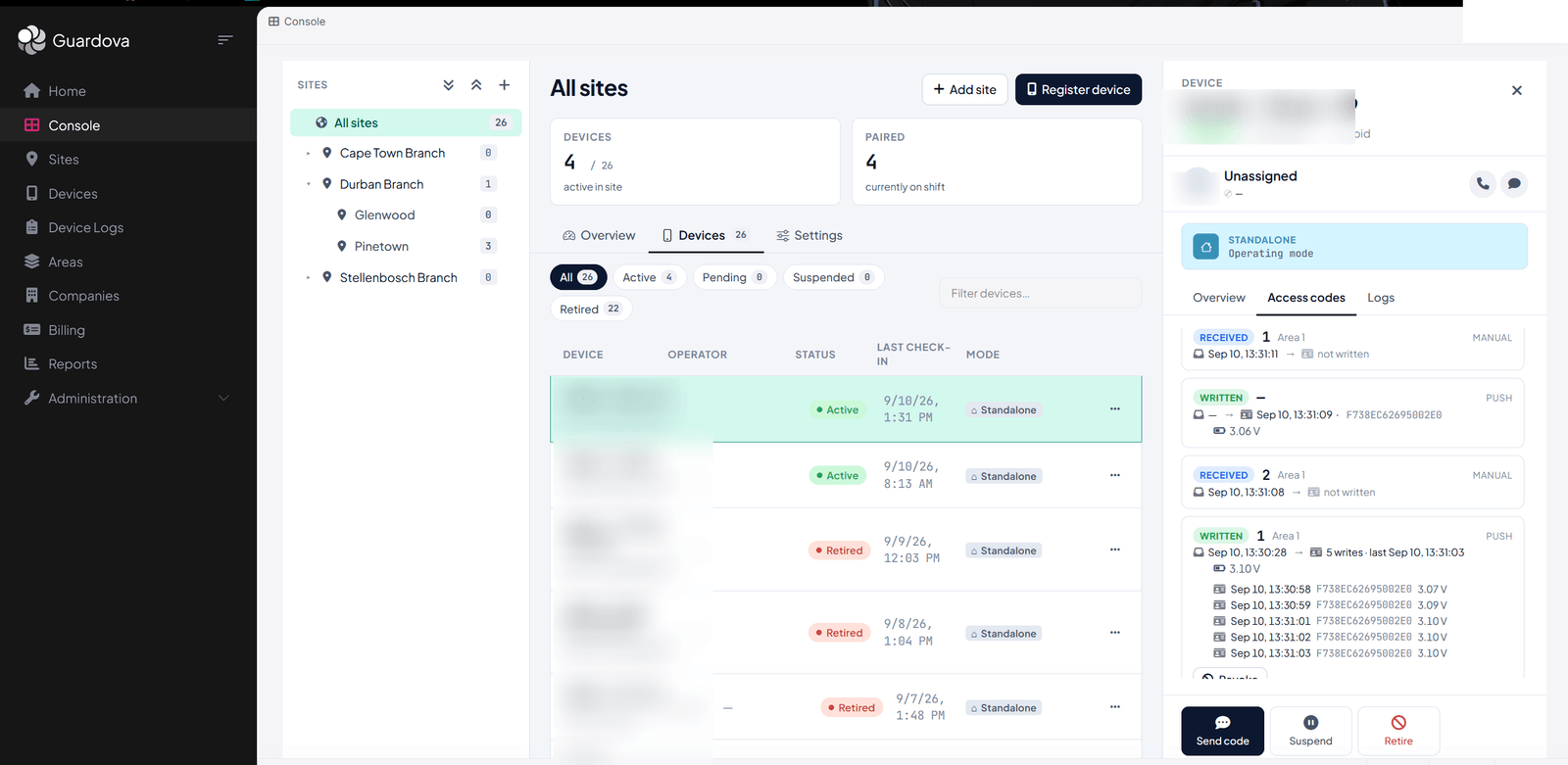
Every code sent, logged automatically
Nothing extra for your officers to fill in. Every code sent from the app is logged automatically. Who sent it, what was sent, when, and where from, so your control room always has a clear record to work from.
Lost or stolen, it has nothing to give away
A code that's already expired can't open anything. A green button only does something while the receiver is already active for that company. Outside that window, it does nothing. And a locked-down receiver won't budge for any button until a fresh code arrives. A remote that ends up in the wrong hands is left with no code, no active window, and no way in.
The same accountability follows the app
If an officer's phone is ever lost or stolen, your control room can block it from the backend, cutting it off instantly, no matter who's holding it.